FortiGate SSL-VPN client for macOS
All your work networks.
No fuss.
Contur keeps multiple FortiGate connections up at once and sends each address through the right tunnel automatically. It lives in your Mac's menu bar.
macOS 26 or later. The trial starts automatically, no sign-up needed.
 3
Wed Oct 7 5:42 PM
3
Wed Oct 7 5:42 PM
Everything you need. Nothing you don't.
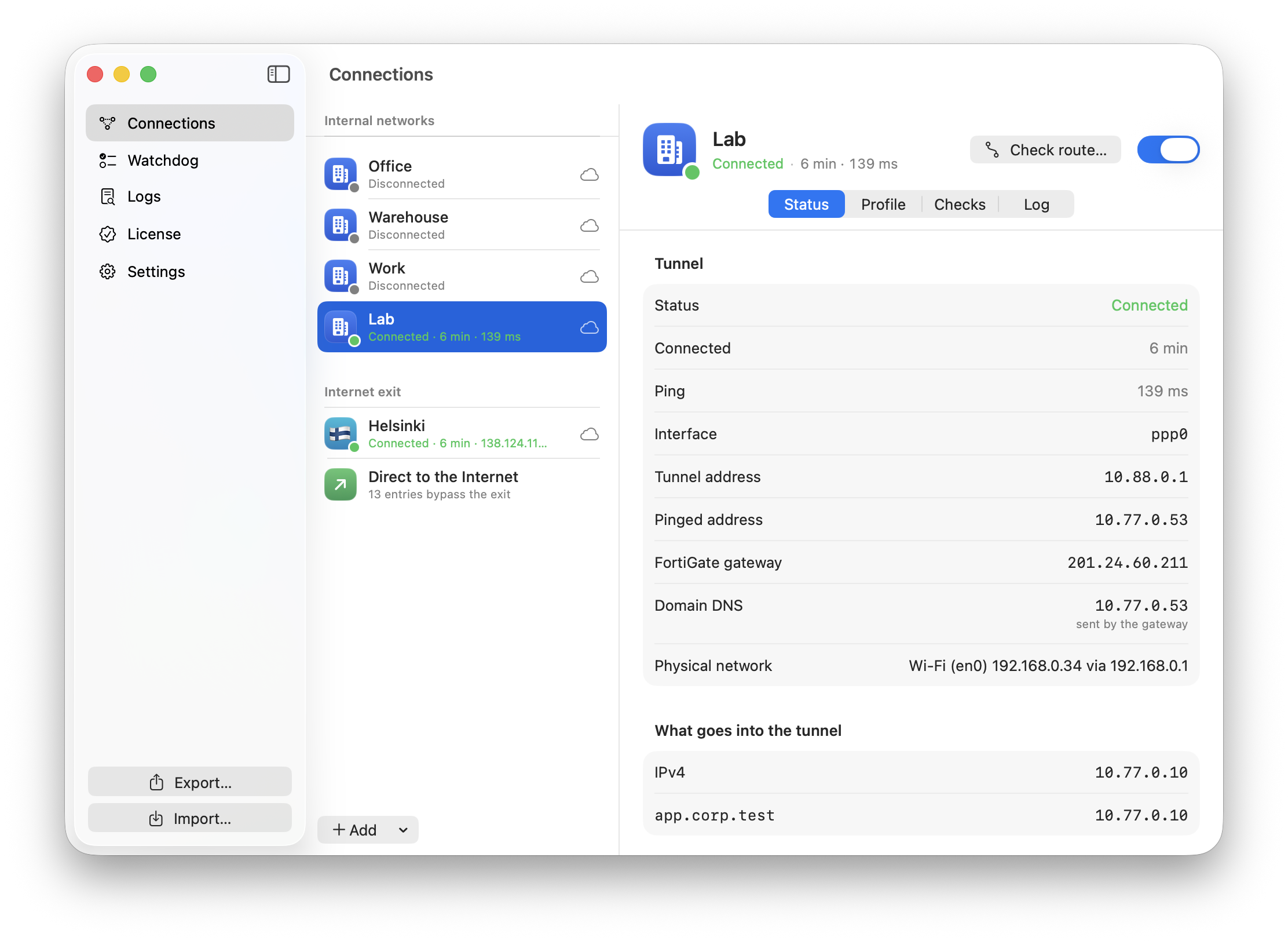
Two or three tunnels at the same time, each with its own addresses, networks and domains. RDP sessions go through the right tunnel automatically.
The gateway doesn't take over your whole Internet connection: only the addresses you list go through the tunnel, with per-tunnel DNS for your domains.
Send everything else through your own WireGuard server, with the country flag and public IP shown in the menu. A “direct” list bypasses it.
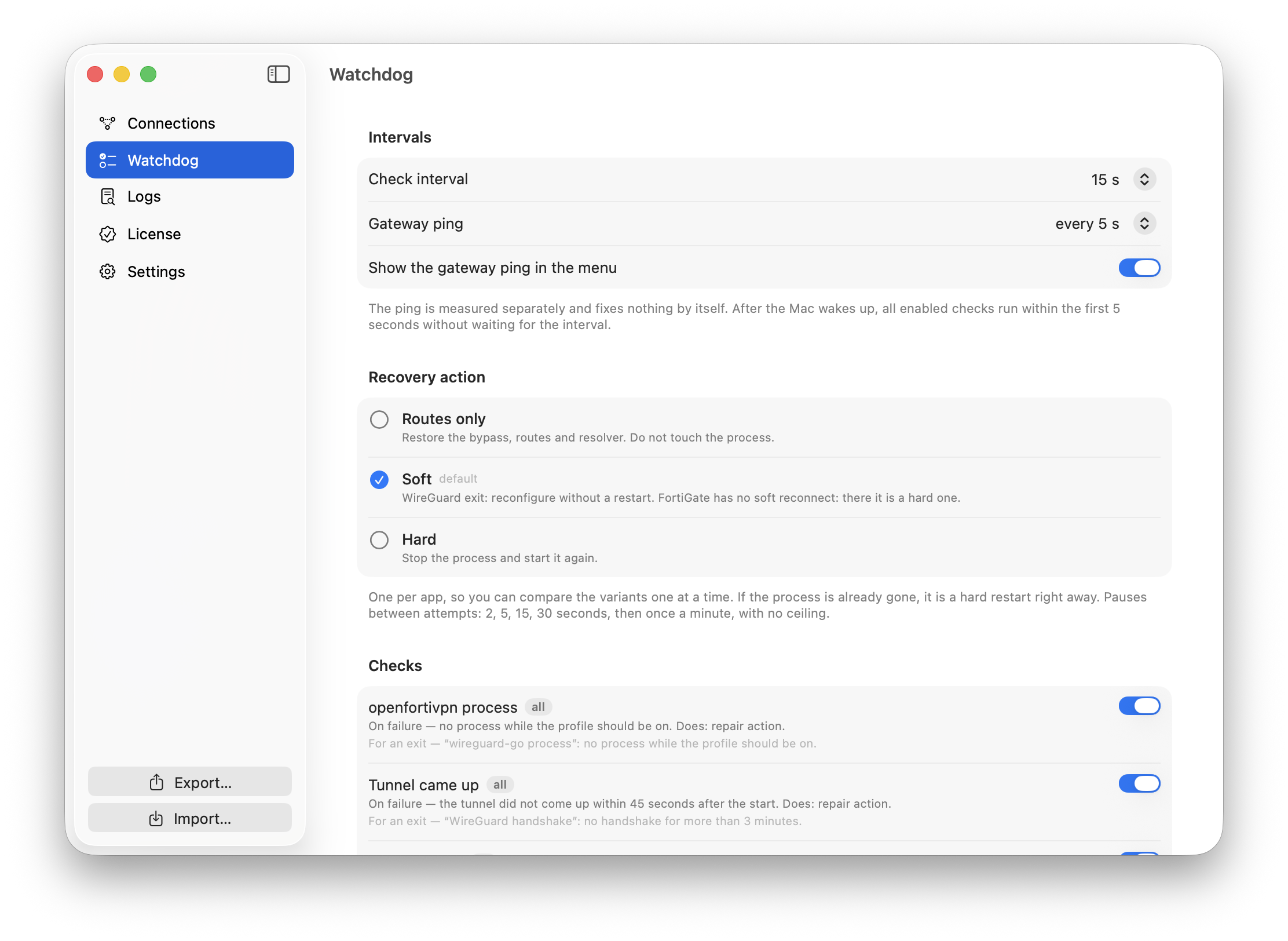
Mac woke from sleep, the network changed, a tunnel dropped? Contur notices and reconnects. After sleep, every check takes seconds.
Another VPN grabbing all your traffic? Contur adds more specific routes and reaches the gateways directly over Wi-Fi.
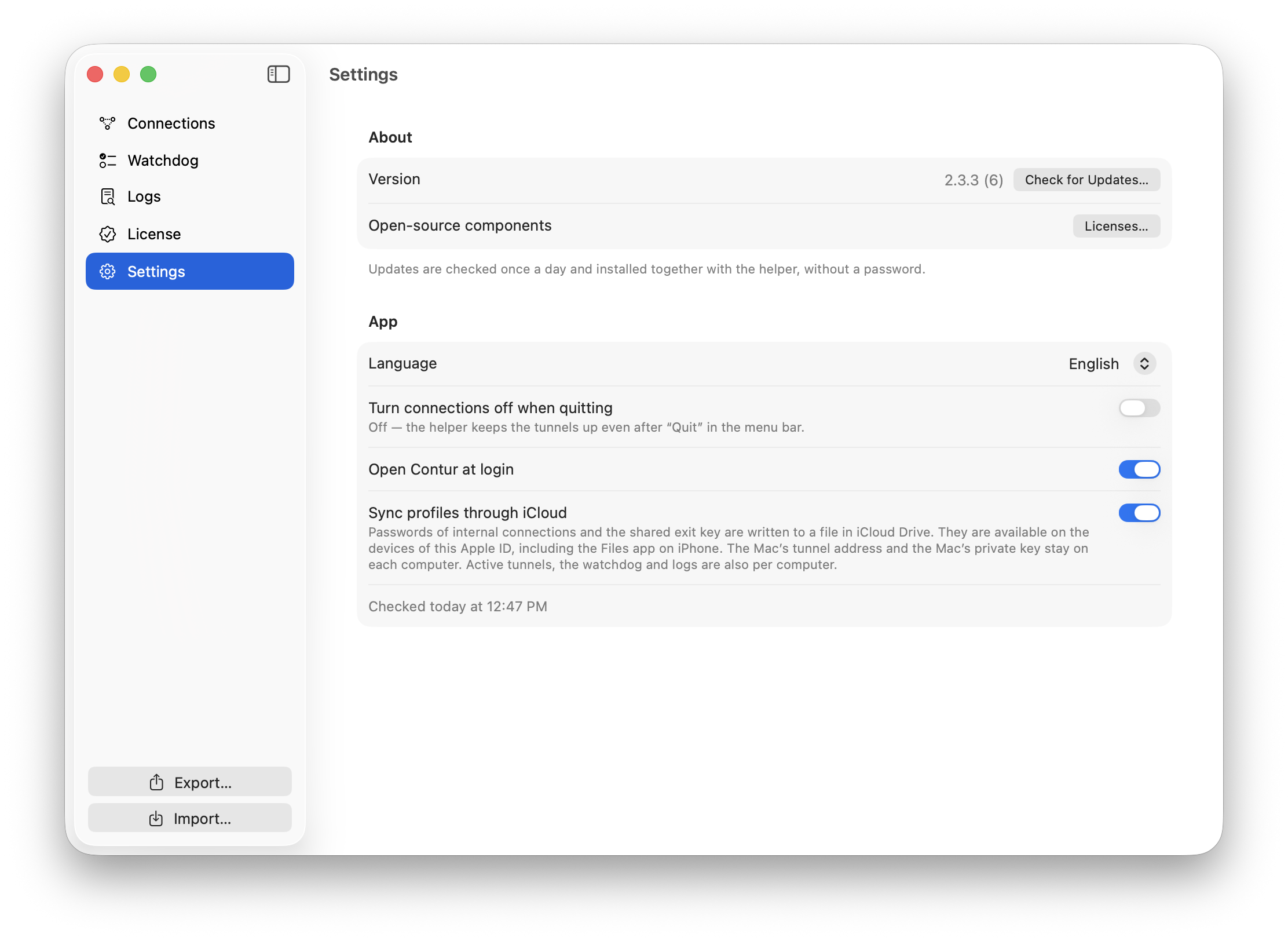
Passwords live in Keychain, gateway certificates are verified, and profiles sync between your Macs via iCloud.
What it looks like
Up and running in a minute
Contur is signed with an Apple Developer ID and notarized, so it opens like any other Mac app, with no Gatekeeper workarounds.
- Drag Contur to Applications
- Open it from Applications and click “Open”
- Approve the helper and connect
Download Contur
Version 2.3.4 · macOS 26.0 or later. Updates install automatically.
Download for macOS